Manage modpacks without acting like FileGod67.
Quadrant is a Minecraft modpack manager. It installs, updates, shares, and backs up your modpacks, so you don't have to juggle launchers and zip files.
Got a share code from a friend? Preview the modpack here.
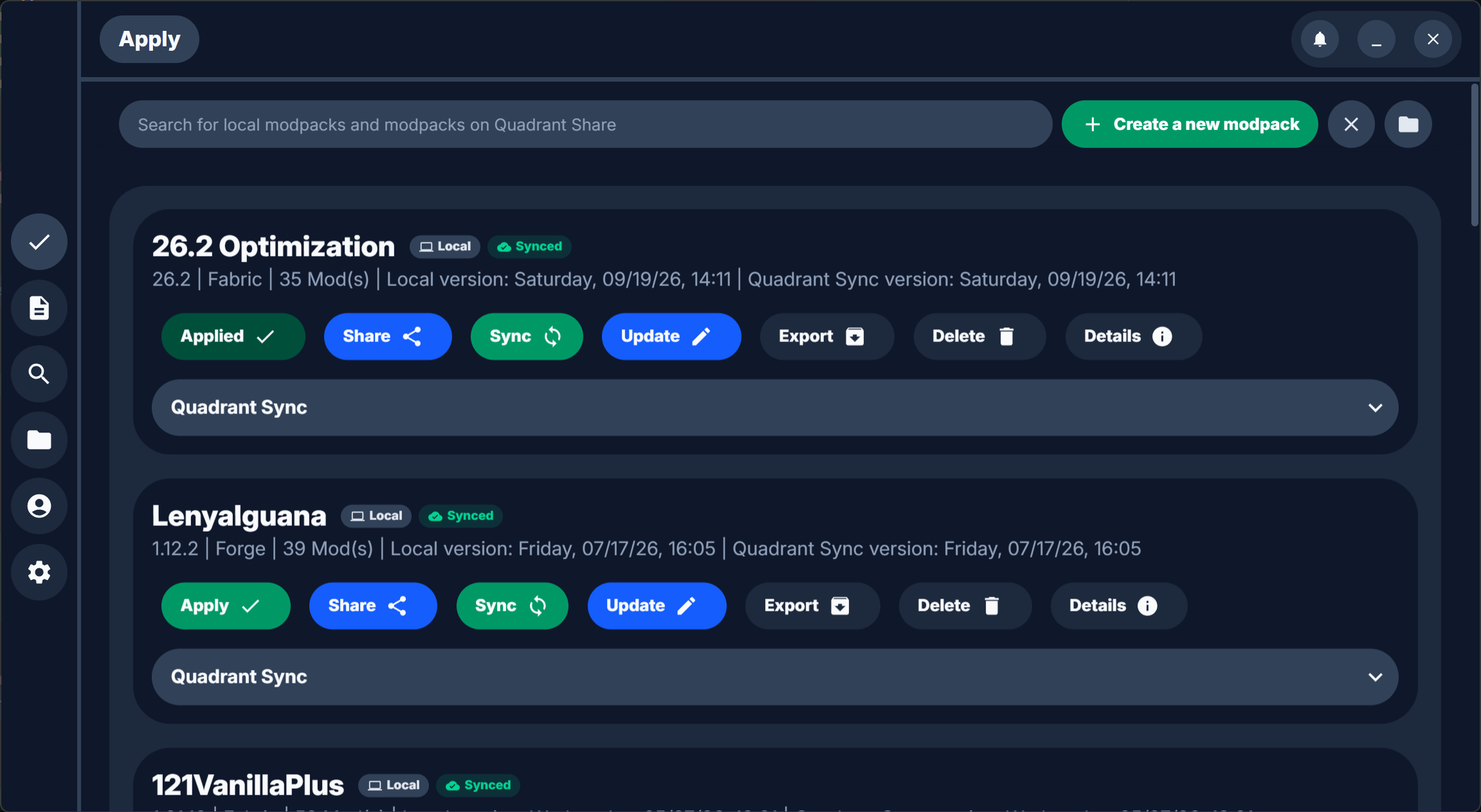
What Quadrant does
- Install and update
- Get mods, shaders, and resource packs from Modrinth and CurseForge, and update them when new versions come out.
- Switch packs
- Apply a modpack to your Minecraft folder in one click. Quadrant clears out the old pack's files for you.
- Share with friends
- Share a pack as a 7-digit code. Your friends enter it in Quadrant and get the same mods.
- Back up and sync
- Back up your packs to your Quadrant ID and sync them between computers.
A closer look
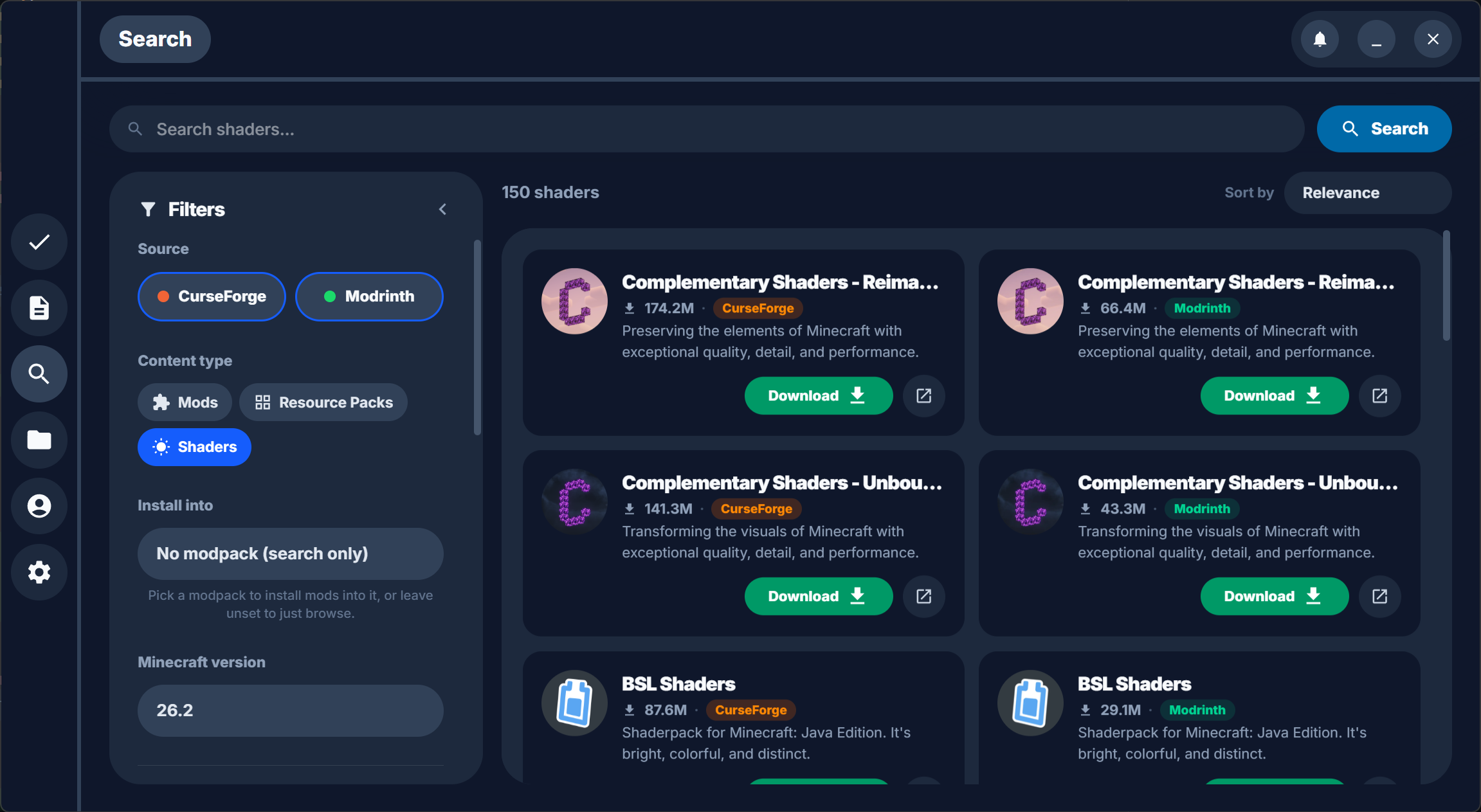
Search both mod sites at once
Find mods, resource packs, and shaders on Modrinth and CurseForge from one search box, filtered to your Minecraft version.
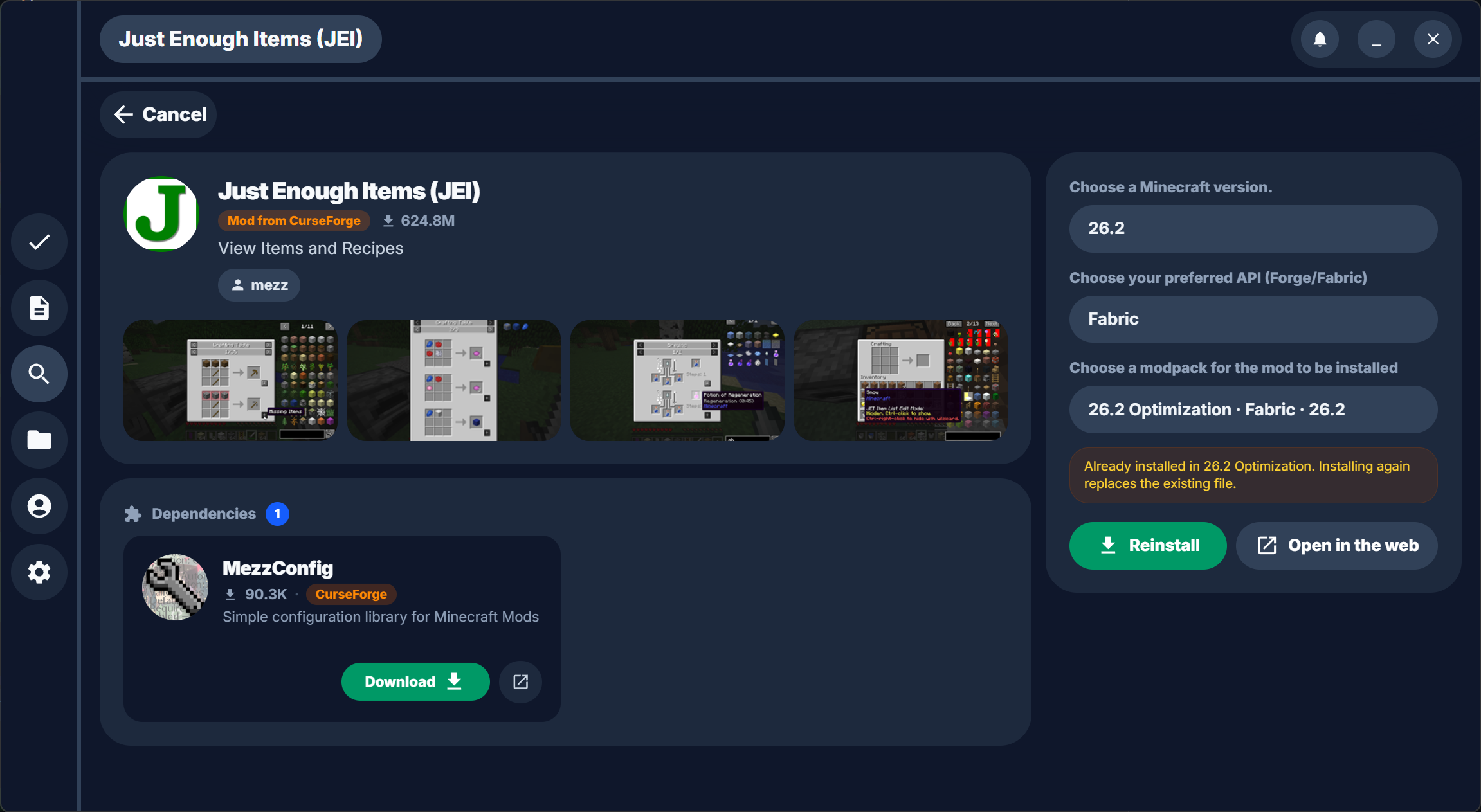
Check a mod before installing it
Look through the screenshots, see what else it depends on, and pick which modpack to install it into.
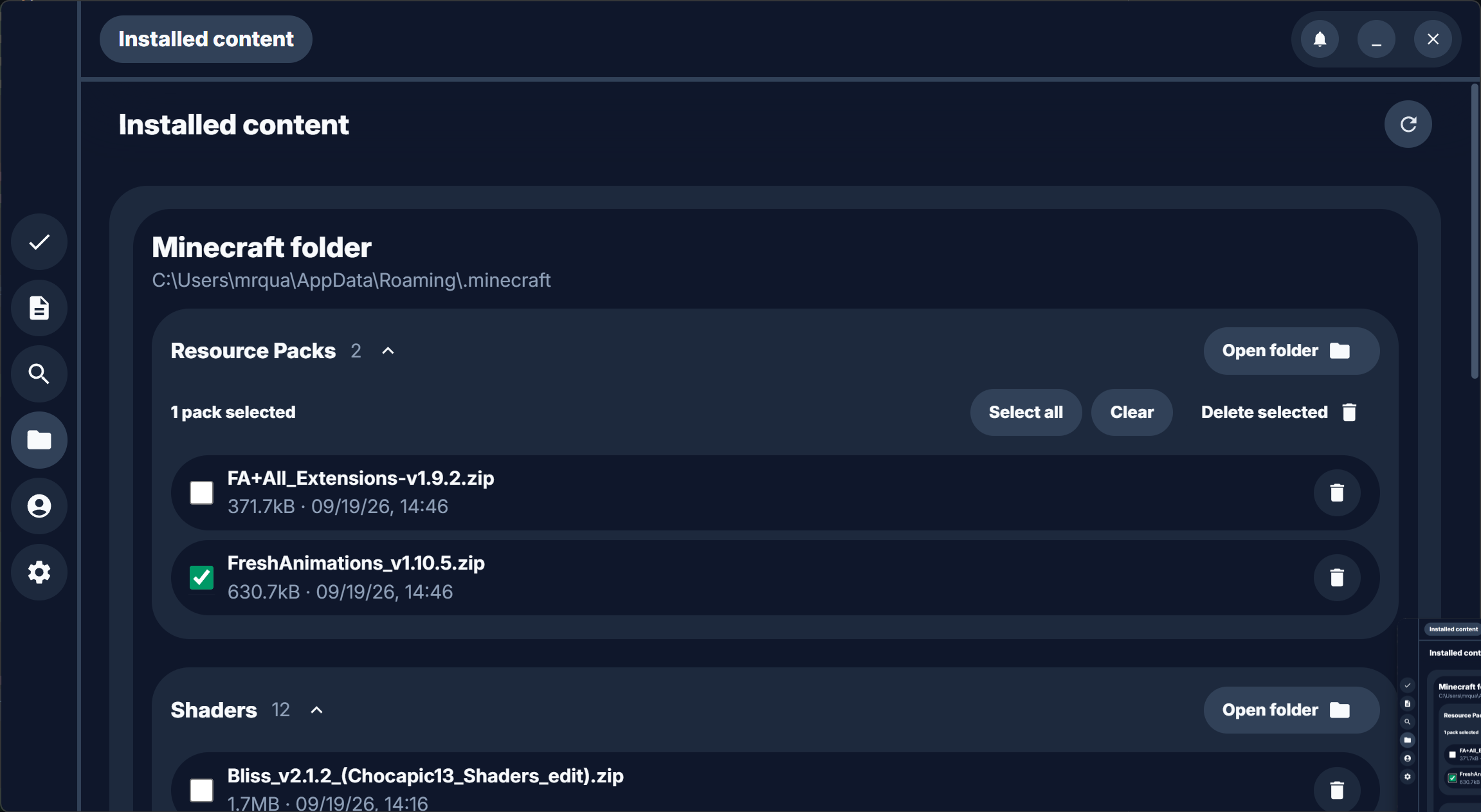
See what's in your Minecraft folder
Resource packs and shaders you've installed are listed in one place. Select the ones you're done with and delete them.

Quadrant is free and open source.
Windows, macOS, and Linux. Mods from Modrinth and CurseForge.